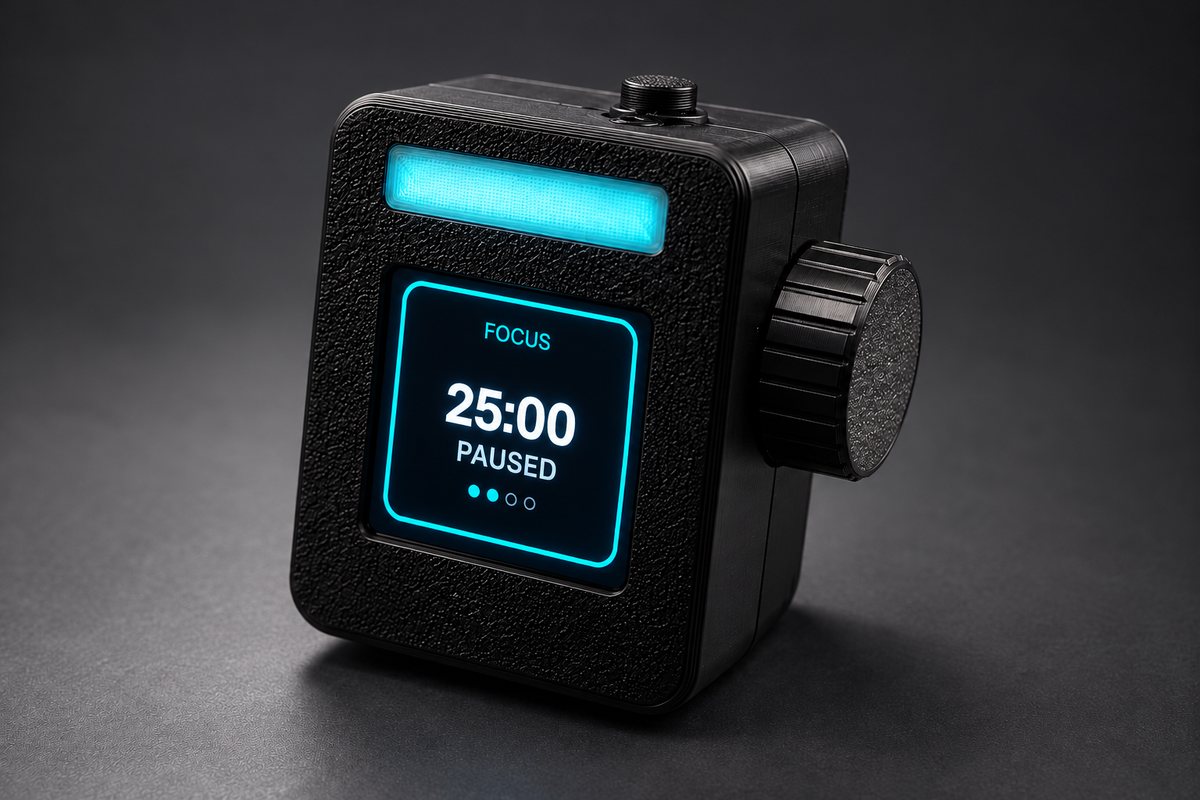
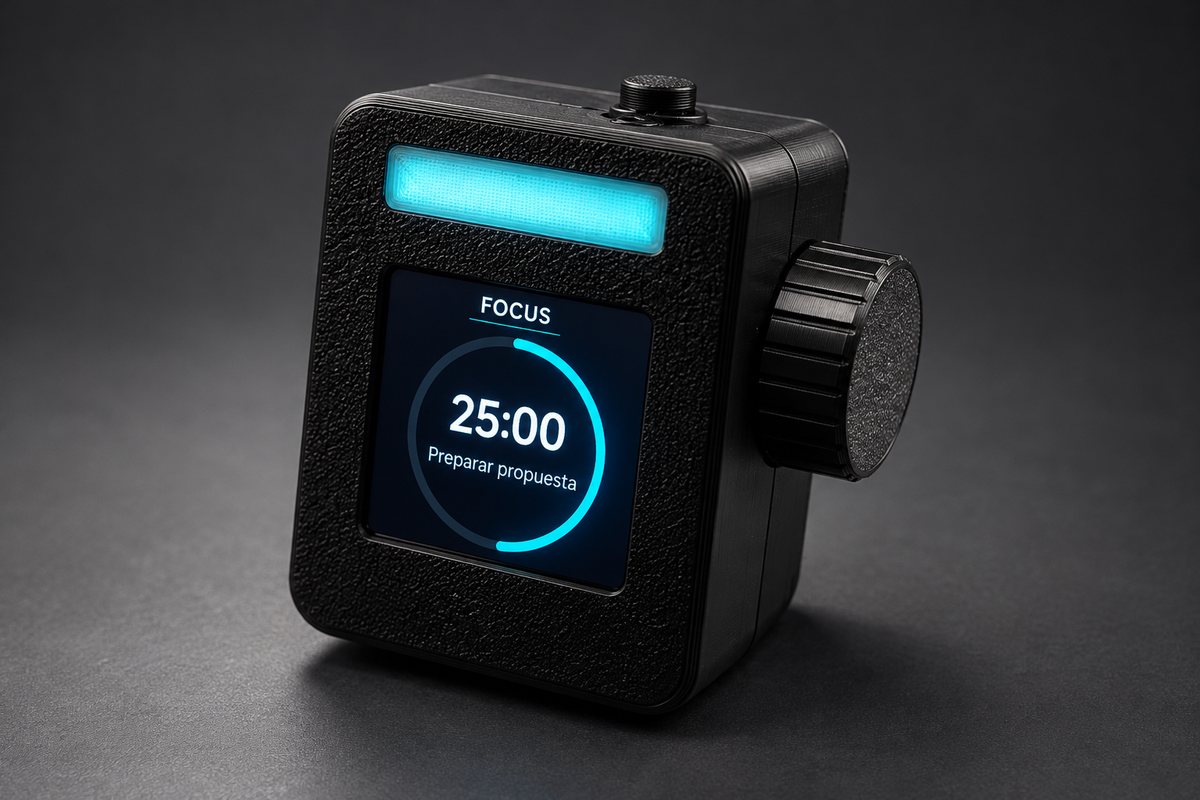
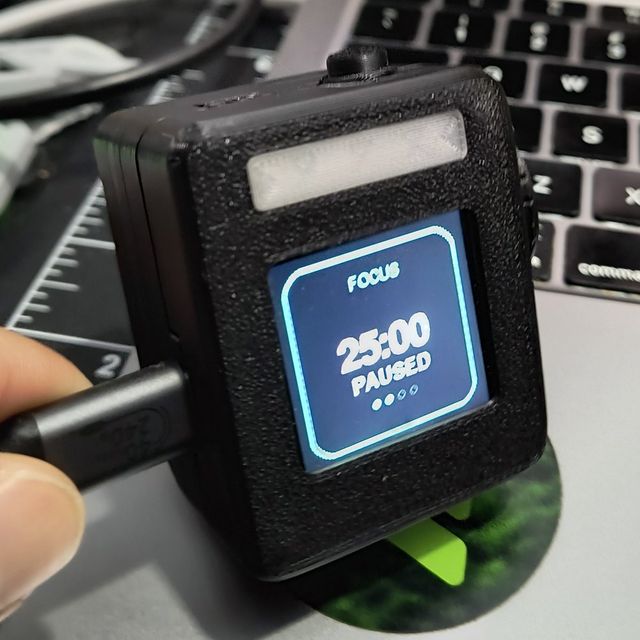
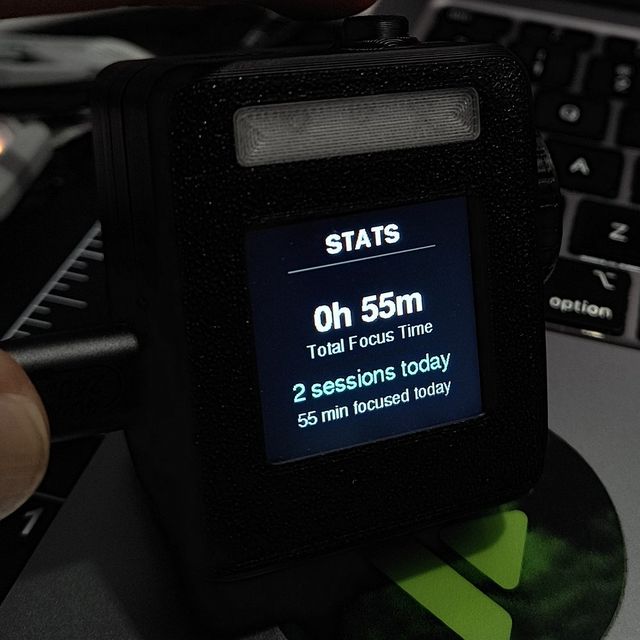
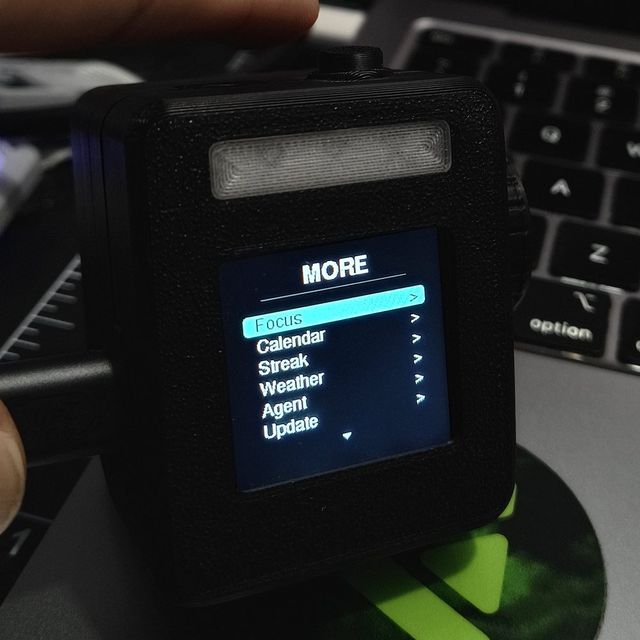
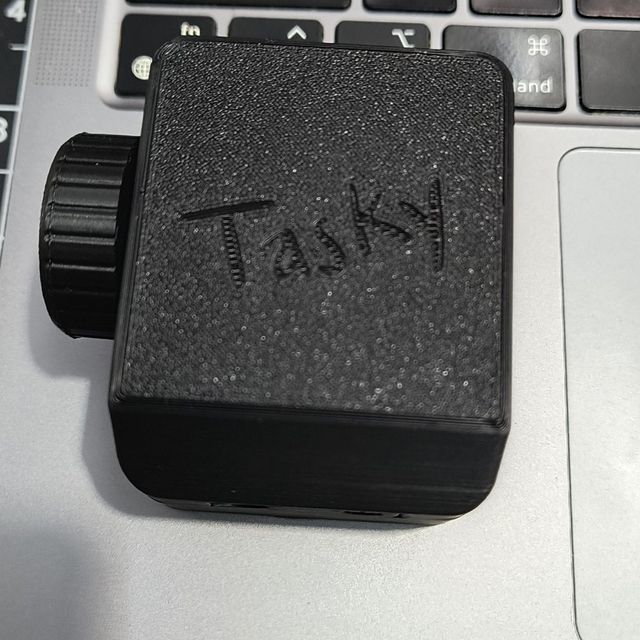
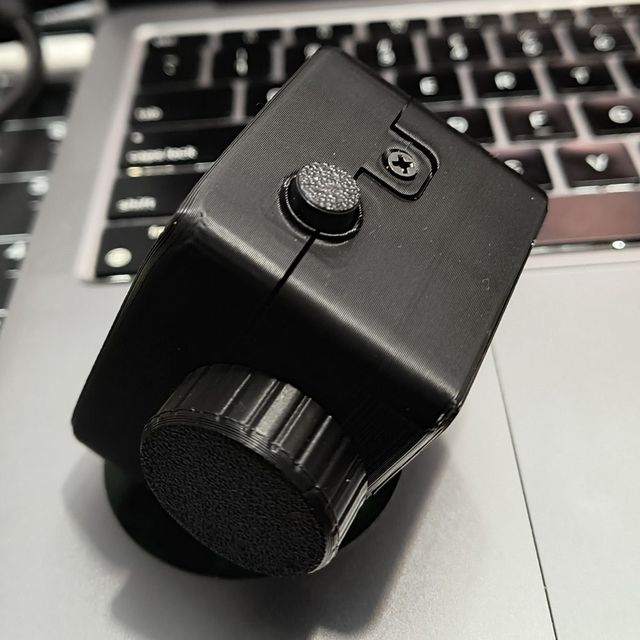
Tasky has a screen, a knob and a light. It shows the time, your tasks, your next meeting and the weather. Press the knob to start focusing. No need to pick up your phone.
Do it from this page with a USB cable. Nothing else to install. You need Chrome or Edge on a computer (Mac, Windows 10 or newer, or Linux).
1
Choose your board
2
Plug Tasky into your computer
Use a USB-C cable that carries data. Some cables only charge. If Tasky doesn't show up in step 3, unplug it. Then hold the small BOOT button on the board while you plug it back in.
✓ Your Tasky is plugged in.
3
Install
This browser can't connect to USB devices. Open this page in Chrome or Edge on a computer.This page needs a secure connection. Open https://tasky-flash.vercel.app instead.
A small window opens with a list. Pick USB JTAG/serial debug unit. That's your Tasky.
The installer offers Erase device. Leave it off to keep your Wi-Fi, tasks and settings. If you turn it on, it only clears Tasky's memory. It never touches your computer.
There's no Tasky software to install yet. Check back soon, or build it yourself.
Set up
Set up your Tasky
Keep Tasky plugged in. Then add your Wi-Fi, calendar and more, right here. It takes about two minutes. You can skip any step.
Connect
Wi-Fi
Calendar
Tasks
GitHub
AI
Weather
Screens
Phrases
Light
Bluetooth
Agents
Done
Connect to your Tasky
If the installer window is still open, close it. Click Connect Tasky, then pick USB JTAG/serial debug unit in the list. That's your Tasky.
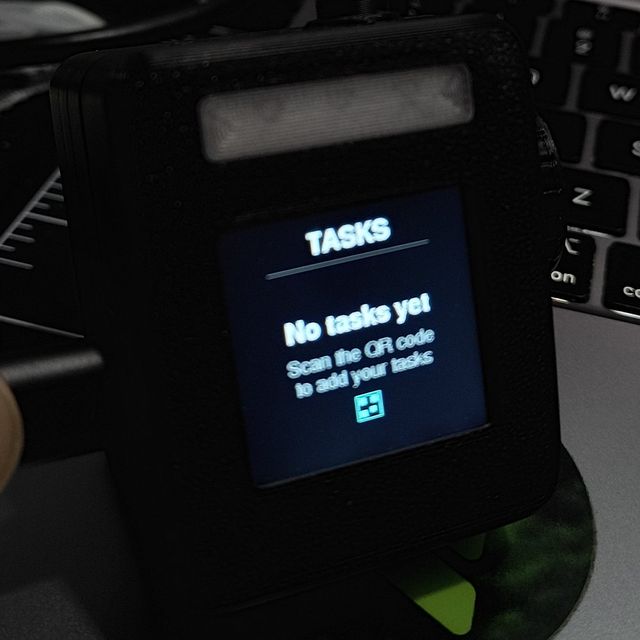
Want to use your phone instead? On Tasky, open Settings → More → Setup (QR). Scan the code with your phone's camera.
Your Tasky
These settings are saved on your Tasky. Change any of them, or go through every step again.
Wi-Fi
Let's get Tasky online. It takes about two minutes.
Tasky uses Wi-Fi to get the time, the weather and your calendar. Most home Wi-Fi works. Tasky can't join a network that is 5 GHz only. If your router shows a second name ending in “5G”, pick the other one.
Looking for networks…
Your calendar
Tasky can show today's events and remind you 5 minutes before each meeting. For that, it needs a private link to your calendar. Anyone with the link can see your events, so don't share it.
Click the share icon next to your calendar. Turn on Public Calendar.
Copy the link. It starts with webcal://. Paste it as it is.
Open outlook.com → Settings (gear) → Calendar → Shared calendars.
Under Publish a calendar, pick your calendar and Can view all details. Click Publish.
Copy the ICS link.
Today's three things
Write up to three tasks for today. Short lists get done. You can change them any time.
GitHub streak
Optional. Tasky's streak counts the days you focus. If you use GitHub, your public activity there counts too.
Is this you?
Your recent GitHub activity. Tasky's Streak screen shows it next to your focus sessions.
AI brief
Optional. Each morning, Tasky writes your day in three lines: what matters, what to start with, and a tip. It uses your calendar and tasks. Read it on the AI brief screen. For this you need an API key from ChatGPT or Claude. An API key is like a private password that lets Tasky use your account. The provider may charge you for use. The key stays on your Tasky.
Use your location, or type your city. No account needed.
Your screens
Each press of the MODE button shows the next screen. Choose which screens appear, and in what order. Home is always first. More is always last and holds everything else.
Your phrases
Tasky shows short phrases on Home and on the Phrases screen. Write your own, one per line (up to 12, 60 characters each). To add an author, put it after a dash: Stay hungry - Steve Jobs. Leave it empty to use about 50 built-in quotes. Accents are removed (ñ → n) because the screen can't show them.
Light
Which light does your Tasky have? It blinks once when you save, so you can check.
Hand-built and v1.1 boards have one or two plain lights. The v3.1 board has a color light bar along the top.
Bluetooth keys
Tasky can also work as extra keys for your Mac, Windows PC or phone. Turn the knob for volume. Use it for play / pause, screenshots, locking the screen or opening your assistant. You only pair it once.
Open Bluetooth settings: on a Mac · on Windows · on a phone, go to Settings → Bluetooth.
Pick Tasky in the list. It shows up as a keyboard. On a Mac, a “Keyboard Setup Assistant” window may open. Close it. The keys work anyway.
On Tasky, hold the knob and pick Mac, Windows or Phone. Tasky remembers this for each device.
Connect Claude Code
Claude Code is an AI coding assistant. To see it on Tasky, copy this command, paste it in the Terminal app and press Enter:
claude plugin marketplace add arampersand/tasky && claude plugin install tasky@tasky
Each Claude Code session gets a card on Tasky. The light breathes when Claude needs you. You say yes or no to its requests with the knob. Needs a Mac or Linux computer with Python 3. Not working? Type /tasky:status in Claude Code. How it works
Other ways to install
Inside Claude Code, type /plugin marketplace add arampersand/tasky, then /plugin install tasky@tasky.
Without the plugin, run this in Terminal. It adds Tasky to your Claude Code settings file, ~/.claude/settings.json. It saves a backup first.
curl -fsSL https://tasky-flash.vercel.app/agents/install.sh | sh
Use the plugin or this command, not both. To remove it later: curl -fsSL https://tasky-flash.vercel.app/agents/install.sh | sh -s -- --uninstall
Your Tasky is ready ✨
Home shows the date, weather, a big clock, today's focus bar and one task.
Press the knob on Home to start focusing. Press again to pause. Hold it for quick settings.
MODE shows the next screen. Press it twice to go back. Hold it for the rest screen.
One last thing: this page is still connected to Tasky over USB. Click Disconnect (or close this tab) so Claude Code can reach Tasky. For the Bluetooth keys, open Controls on Tasky (this turns Bluetooth on). Then pair “Tasky” on your computer.
Setting up over USB needs Chrome or Edge on a computer. On a phone? On Tasky, open Settings → More → Setup (QR) and scan the code.
Is Tasky already working? You can also update it over Wi-Fi. On Tasky, open Settings → More → Update. Tasky shows a web address: open it on your computer and upload the release file that ends in -ota.bin. Installing again from this page keeps your settings, unless you turn on Erase device.
All in one
Everything Tasky does
Since version 3.0, one version of the Tasky software does it all. Bluetooth turns on the first time you open the Controls screen.
At your desk
See the time, the weather, your next meeting and today's tasks. Press the knob to focus.
Focus timer, with a light that tells others “do not disturb”
Today's three tasks and your calendar
A streak from your focus sessions, and your GitHub streak next to it
Phrases, weather, and a morning brief from ChatGPT or Claude
With your computer 3.0
Tasky also works with your computer and the AI tools on it.
See your Claude Code sessions. The light breathes when Claude needs you.
Say yes or no to Claude's requests with the knob
Bluetooth keys for Mac, Windows or phone: volume, brightness, music